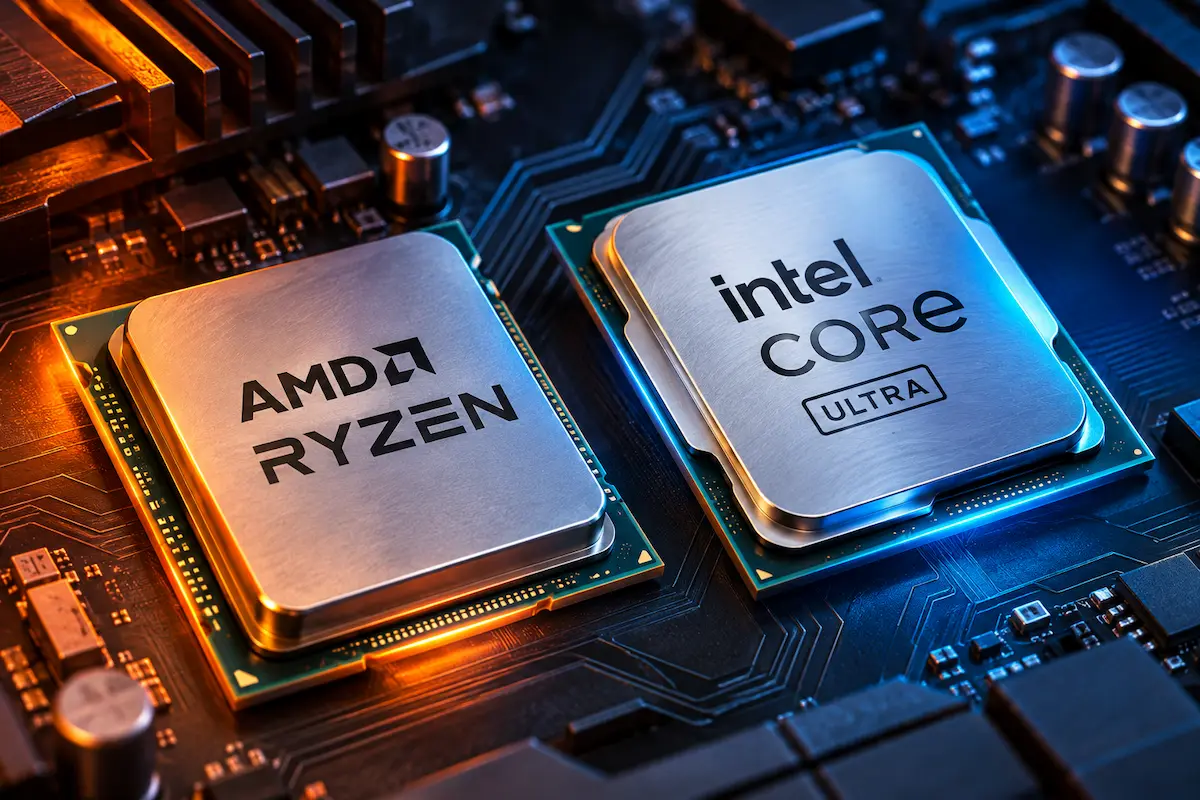
You're building a new PC, or upgrading your processor, and the same question keeps coming up: AMD or Intel? The answer isn't the same for everyone. In 2026 the two companies are closer than you might think, but each one wins in a different area. Here you'll see, in plain words, who leads in games, who leads in work, how the prices compare, and how easy it will be to upgrade later.
1. The short answer
Let's start with the conclusion, so you don't waste time.
Do you play games and want as many frames per second as possible? Get AMD with X3D technology, like the Ryzen 7 9850X3D, or the cheaper Ryzen 7 9800X3D.
Do you edit video, work in 3D or compile code? Intel gives you more cores for less money. The Core Ultra 7 270K Plus is the sensible pick.
On a tight budget? Look at Intel's Core Ultra 5 250K Plus or AMD's Ryzen 5 9600X. Both are more than enough for everyday use and gaming.
Want to swap the processor later without a new motherboard? AMD wins here, because its socket (AM5) will keep getting new chips for years.
Below you'll see why all of this is true, so you don't buy something just because someone said so on a forum.
2. What you can buy right now
Before comparing, let's see which processors are actually on the shelves today.
AMD's side
AMD sells the Ryzen 9000 series, built on the Zen 5 design and the AM5 socket. The most interesting ones for gamers are the models with an X3D in the name. They carry extra cache, a very fast memory inside the processor that holds data it needs again and again. Games benefit a lot from it. The Ryzen 7 9850X3D has 8 cores, 16 threads and 96 MB of L3 cache.
Intel's side
Intel has the Core Ultra 200S series. Since March 2026 it also sells the refreshed "Plus" line, with the Core Ultra 7 270K Plus and the Core Ultra 5 250K Plus. The 270K Plus has 24 cores: 8 fast ones and 16 efficient ones that handle the lighter jobs. Its L3 cache is 36 MB, far less than the X3D chips. The new processors work on existing 800-series motherboards (the LGA 1851 socket).
What isn't here yet
The next generations, AMD's Zen 6 and Intel's Nova Lake, are expected in 2027 according to the latest reports. Neither company has given a final date, so treat this as a forecast, not a promise.
3. Gaming: AMD leads
If the PC is for games, the answer is almost clear. AMD's X3D processors are the fastest gaming chips you can buy today. In Tom's Hardware testing, the Ryzen 7 9850X3D came out about 29% faster than the Core Ultra 7 270K Plus across a set of recent games. Its lead over the 9800X3D is small, from almost nothing to about 4% depending on the game.
Intel has improved, though. The company says the Plus line gives up to 15% better gaming performance than the earlier Core Ultra 200S chips. It's Intel's best gaming showing in years, but at the top AMD stays ahead.
When the gap shrinks
The difference you see in charts doesn't always show up on your own PC. Three things reduce it:
Your graphics card. With a mid-range card, the card limits your frames, not the processor. A cheaper processor then gives nearly the same result.
Your resolution. At 4K the graphics card does almost all the work. At 1080p or 1440p with a very strong card, the processor matters more.
Your screen's refresh rate. On a 60 Hz screen you'll never use the extra frames of an X3D. On a 240 Hz screen with competitive games, you will.
In short: don't spend $500 on a processor to play at 4K with a mid-range card. You'll do better putting that money into the graphics card.
4. Work and heavy tasks: Intel leads
When the processor isn't playing but working, the picture changes. Video editing, exporting projects, 3D rendering, compressing files and compiling code use as many cores as you give them. There, the number of cores matters more than cache.
The Core Ultra 7 270K Plus has 24 cores, while the Ryzen 7 9850X3D has 8. In tasks that use many cores, Intel is clearly faster, and it costs less too. That's why two processors can both be "the best" at the same time: each at its own job.
And AMD for work?
AMD has strong options, but you have to move up to the pricier models. The Ryzen 9 9950X (16 cores, 32 threads) is excellent for creators. The Ryzen 9 9950X3D adds the gaming cache on top, and it's AMD's "no compromise" chip, at around $640.
Cores and threads in a nutshell
A core is one "worker" inside the processor. A thread is a task that worker can handle at the same time as another. More cores only help when the program uses them. A game rarely uses more than 8 cores, while a video program can fill all 24.
5. Price and value
Prices change often, and in many countries they differ from US prices. Treat the figures below as a guide to how the models compare, not as shop prices:
Ryzen 7 9850X3D: $499 at launch. Ryzen 7 9800X3D: around $440 to $480. Ryzen 9 9950X3D: around $640. Core Ultra 7 270K Plus: $349 suggested price, and around $330 in shops. Core Ultra 5 250K Plus: from $199.
Remember that the processor is only one part of the bill. You'll also need a motherboard, DDR5 memory and a cooler. Both platforms use DDR5, so the difference in total cost comes mostly from the processor and the motherboard.
If you already own an Intel 800-series board, a Plus processor fits in the same board and saves you a good amount. If you're starting from scratch, weigh the cost of the whole platform, not just the processor. Before you decide, compare prices in your local shops, because deals often change the order.
6. Platform and future upgrades
Here AMD has its strongest card. The AM5 socket launched in 2022 and, according to what AMD has said, it will be supported through 2029. That means Zen 6, expected in 2027, should fit the same motherboard you buy today. You buy a Ryzen now, and in two or three years you swap only the processor.
Intel took a different road. The LGA 1851 socket lived a very short life and only hosts the Core Ultra 200S chips and their refresh. For the Nova Lake generation, Intel will use a new socket, LGA 1954, and that will need a new motherboard. Reports say the new socket will last longer, but that hasn't been officially confirmed yet.
What this means for you
If you buy Intel LGA 1851 today, you probably won't be able to put a next-generation processor on the same board. That's not a problem if you plan to keep the PC for 4 to 5 years and then replace the whole thing. It's only a problem if you like upgrading step by step.
What about DDR6?
Many people wonder whether to wait for DDR6 memory. Reports point to 2028 or 2029 at the earliest, and the next platforms from both companies will still use DDR5. There's no reason to wait.
7. Power, temperatures and cooling
In games, AMD's X3D processors usually draw less power than their rivals. The 9850X3D, for example, used less power than Intel's older Core i9-14900K and was much faster. Intel's new Core Ultra chips are also more efficient than their predecessors. In heavy work, though, a 24-core processor will run hotter when it's pushed to its limit.
With both you need proper cooling. A good air cooler is enough for most people. If you plan to work for hours at full load, think about a liquid cooler (AIO) or a large air cooler. Good airflow in the case matters as much as the cooler itself.
Be careful with older Intel chips
Intel's 13th and 14th generation processors had stability problems in 2024, which were reduced with BIOS updates. If you find a used one at a bargain price, check that it has an updated BIOS and a decent warranty. For a new PC, today's lines are the better choice.
Built-in graphics
Both companies include basic graphics in most of their processors. It gets you a picture on the screen until you buy a graphics card, but it isn't meant for games. Just watch out for Intel models with an F in the name (for example 250KF): they have no built-in graphics and need a separate card.
8. Which one to pick for your use
Gamers with a strong graphics card
Get the Ryzen 7 9850X3D or, to save money, the 9800X3D. The difference between them is small, so if the 9800X3D is clearly cheaper, take that one.
Gamers on a budget
The Core Ultra 5 250K Plus or the Ryzen 5 9600X are good choices. Cover the graphics card first, then pick the processor.
Games and work together
If you play but also edit video or stream, the Core Ultra 7 270K Plus is a balanced choice. If your budget allows, the Ryzen 9 9950X3D covers both to the fullest, but it costs almost twice as much.
Creators and professionals
Core Ultra 7 270K Plus or Ryzen 9 9950X. Both have plenty of cores. Intel offers the lower price, AMD the better upgrade path.
Office, study and everyday use
Don't spend more than you need. A Core Ultra 5 or a Ryzen 5 is plenty. At a desk, you won't notice the difference between AMD and Intel.
9. Is it worth replacing what you have?
Before you add anything to your cart, check which processor you have now. On Windows 11 press Windows + I, open System and then About. Under "Device specifications" you'll see the processor name.
System › About
The values in the example are only illustrative. On your PC you'll see your own model.
If you have a Ryzen 5000 or an Intel 12th to 14th generation chip, you probably don't need a change. These processors still do very well. If your games stutter, look at the graphics card and the RAM first. Replacing the processor makes sense when the old one is truly the bottleneck: it sits at 100% while the graphics card waits.
If you already have an AM5 motherboard, a Ryzen X3D is the cheapest and fastest upgrade, because you only swap the processor. If you have an Intel LGA 1700 board (12th to 14th generation), you can't fit a Core Ultra: you'll need a new motherboard and, if you have DDR4 today, new memory as well.
10. My experience
When friends ask me "AMD or Intel?", my first question is always the same: "What will you do with the PC?" Most people expect to hear a brand name. But the right answer comes from the use, not from the logo.
The mistake I see most often is buying the most expensive processor and pairing it with a mediocre graphics card or slow memory. The PC doesn't get faster, and the money is wasted. I first build the balance: processor, graphics card, memory and cooling should match each other.
The second mistake is forgetting the cooler. A powerful processor with a cheap cooler heats up and slows itself down. Make sure the cooler is worthy of the processor. And before you buy, update the motherboard BIOS if the new processor needs it, because a brand-new CPU on an old BIOS may not even start.
💬 Comments